

If you’ve ever been caught with a dead phone or laptop mid-task, you know how frustrating it can be. Whether it’s during work, travel, or streaming your favorite content, running out of power at the wrong time disrupts productivity and even your daily routine. With more smart home devices, home appliances, and electronics connecting your life, reliable charging solutions are no longer a luxury—they’re a necessity.
The good news? Understanding the right chargers and power banks, and how to use them effectively, can solve this problem entirely. In this guide, we’ll share five expert tips to help you maximize your devices and stay powered up no matter where you are.
- Choose the Right Charger for Your Device
Not all chargers are created equal. Using the wrong charger can slow charging speeds or even damage your device over time. For example, high-speed USB Type-C chargers are perfect for smartphones and laptops that support fast charging, while standard USB chargers work best for small gadgets like wireless headphones or smart home sensors.
Pro Tip: A versatile option like the USB Laptop Docking Station Black Cat Shape 3-in-1 Multiport USB 2.0 High-Speed USB Type-C Hub Adapter allows you to connect multiple devices at once and ensures your electronics charge efficiently without clutter.
- Invest in a High-Capacity Power Bank
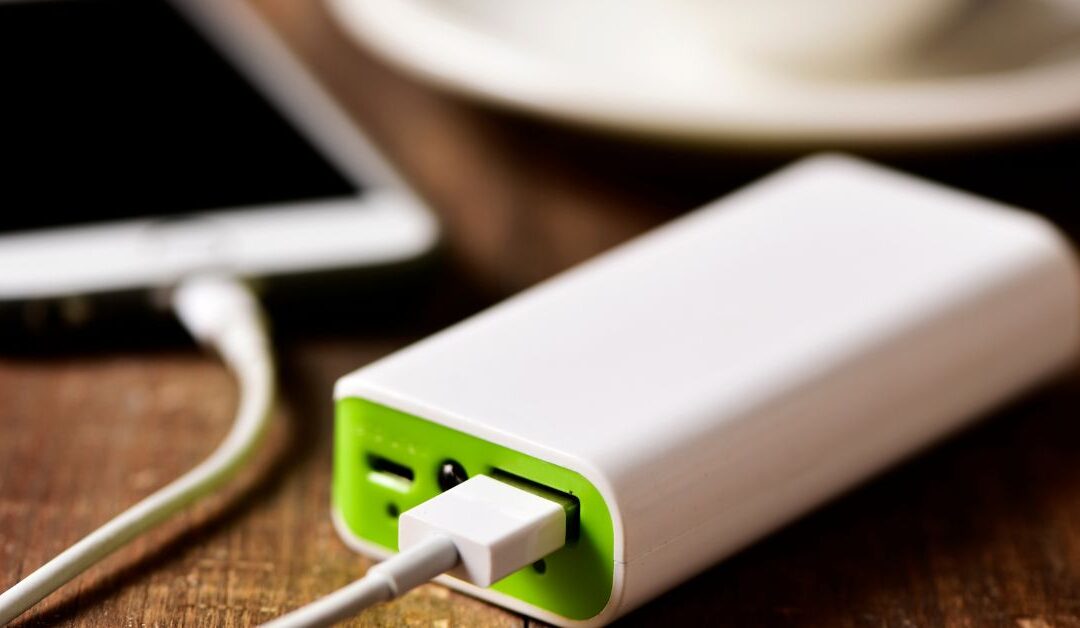
If you’re always on the go, a power bank is essential. Look for one with enough capacity to charge multiple devices or recharge a tablet or laptop fully. Modern power banks come with fast-charging capabilities and multiple output ports to support a variety of devices simultaneously.
Pro Tip: Keep a power bank handy in your bag or home office for emergencies. A good quality power bank ensures you never have to hunt for a wall outlet during critical moments.
- Organize Charging Stations for Convenience
Messy cables and scattered chargers are common pain points in every household. Creating a centralized charging station can keep your devices organized while charging multiple electronics at once. Products like the USB Desk Hub USB3.0 Hub with 2 Port USB3.0 + 2 Port Type-C Adapter are excellent for desktop setups, allowing you to plug in laptops, phones, and tablets without creating a cable nightmare.
Pro Tip: Position your charging station near your work desk or living area to make charging accessible while maintaining a clean setup.
- Understand Device Charging Speeds
Not all devices charge at the same speed. Fast-charging smartphones and laptops require compatible chargers to reach their optimal speed. Overloading a device with a high-power charger not designed for it can cause overheating or reduce battery lifespan.
Pro Tip: Match the charger output with the device requirements. For multiple devices, consider multiport USB hubs or docking stations that manage power distribution efficiently.
- Maintain Battery Health
It’s not just about charging—it’s about charging smart. Avoid keeping devices plugged in 24/7 or letting batteries drain completely every time. Maintaining a moderate charge level (around 20–80%) prolongs battery lifespan.
Pro Tip: Rotate devices on your power bank or USB hub to prevent overcharging. Quality products like the ones linked above often come with built-in protections to prevent overvoltage or overheating, keeping your electronics safe.
By choosing the right chargers, power banks, and organizing your charging setup, you can eliminate the frustration of dead devices and keep your home and work life running smoothly. Explore our full selection of chargers and power banks and find the perfect solutions for your smart home devices, laptops, and daily electronics.
Don’t wait—upgrade your charging setup today and never worry about running out of power again.