



Description
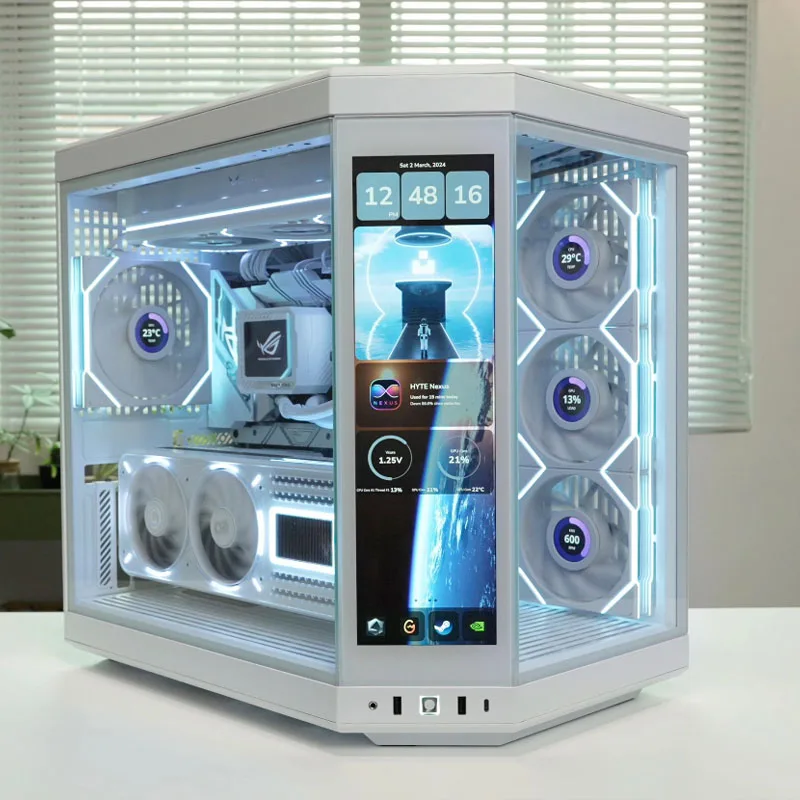
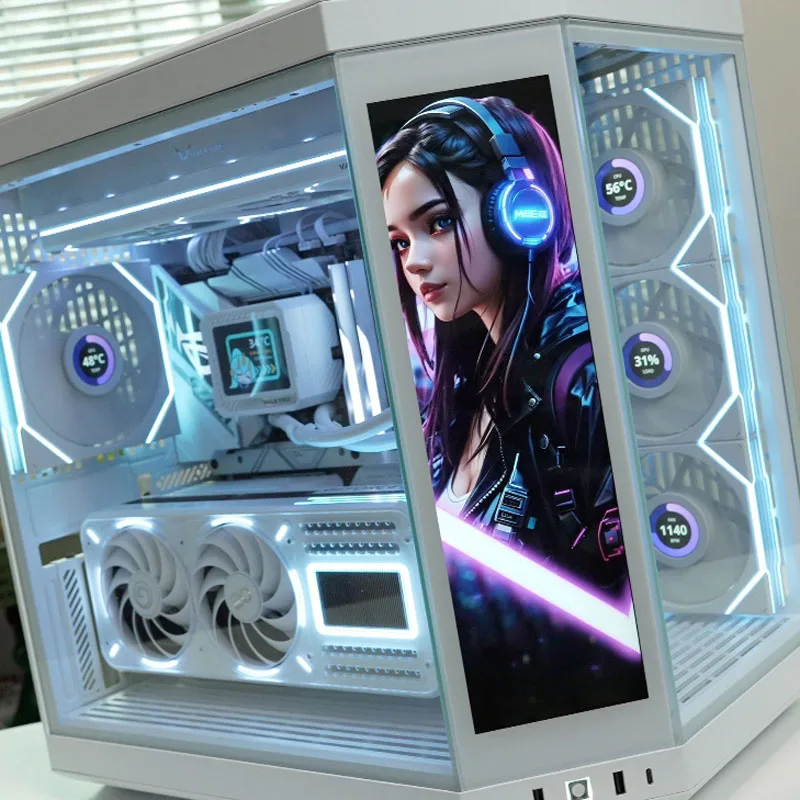
The 12.6″ IPS Ultrawide Monitor is a specialized secondary display designed to extend your computer setup — perfect for monitoring hardware stats, running dashboards, or adding extra screen real estate for multitasking.
-
Wide, ultra-wide aspect ratio: The screen uses a stretched 1920×515 resolution across a 12.6″ diagonal IPS panel — giving you a wide horizontal canvas that’s ideal for status monitoring, timelines, chat windows, audio editing, or system dashboards. GameLoopX+1
-
Great visibility: With IPS technology and wide viewing angles (often up to 170°–178°), colors and information remain clear even if viewed from the side — helpful when the display is mounted in a PC chassis or off to the side. Walmart.com+1
-
Good brightness and contrast: Typical luminance is around 400 cd/m², and contrast ratios can reach 1000:1 or higher — adequate for clear, readable display of system stats or media dashboards. GameLoopX+1
-
Flexible connectivity: Supports standard interfaces (HDMI, Mini-HDMI, or USB-C depending on version) for easy connection to PCs, laptops, or embedded systems — no complex setup required. GameLoopX+1
-
Compact & mount-friendly design: Its slim “bar” form factor and VESA-compatible mounting (or screw-hole frame) make it easy to install inside a PC case, behind a main monitor, or as a compact external secondary screen. SmartXLM+1
-
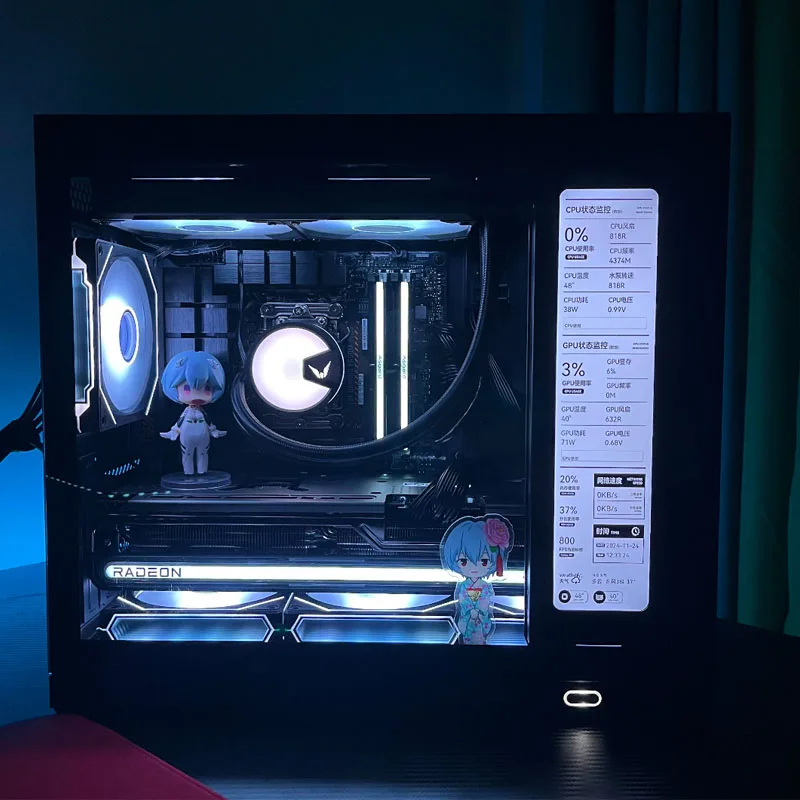
Ideal for system monitoring and multitasking: Many users pair this screen with software like AIDA64 to display real-time CPU › GPU stats, temperatures, fan speeds, RAM usage, network activity, or other custom widgets — keeping essential info visible while gaming, editing, streaming or working. Ubuy Slovenia+1
Use cases include:
-
Attaching inside a PC chassis as a live system monitor for CPU, GPU, fan speeds, temps
-
Using as a horizontal dashboard for chat, music players, tracker bars, or resource monitors
-
Running auxiliary tools (timers, to-do lists, code consoles, stock tickers) while the main screen remains dedicated to work or gaming
-
Mounting under or above a main monitor to maximize vertical screen space while avoiding clutter
Setup is simple: just connect via HDMI or USB-C, secure the monitor using standard screw holes or a bracket, and configure your software (like AIDA64) or OS display settings to extend your desktop. No special drivers needed — it’s typically plug-and-play.
Reviews
There are no reviews yet.