

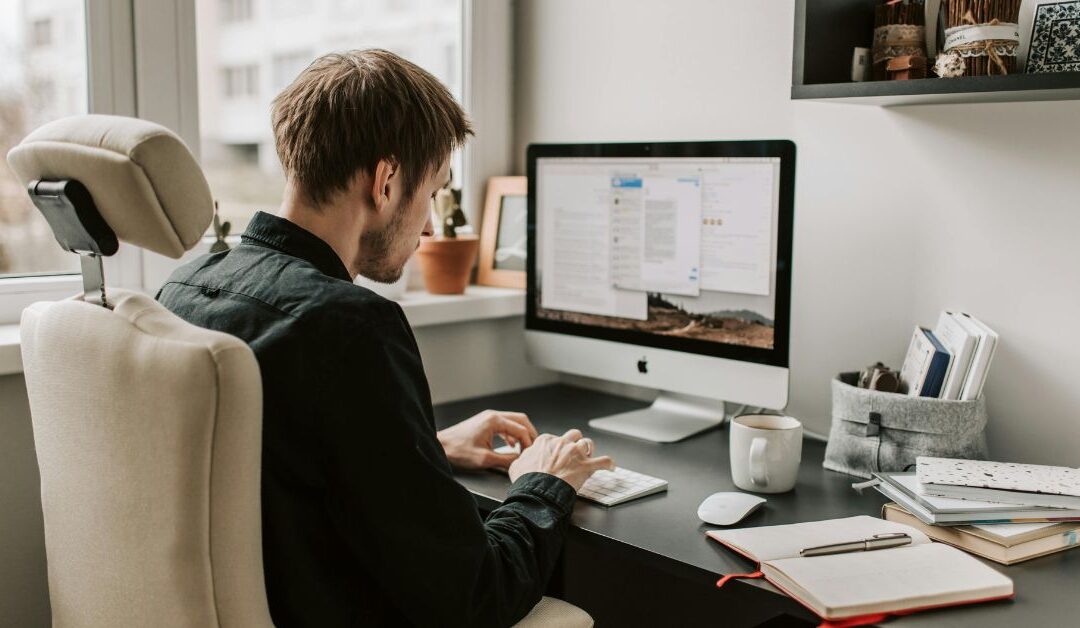
Struggling With a Cluttered or Inefficient Workspace?
If you’re spending hours at your computer each day, you know the frustration of slow performance, uncomfortable peripherals, and limited desk space. Whether you’re working from home, gaming, or streaming content, a cluttered and inefficient workspace can reduce productivity and even strain your eyes and posture.
Optimizing your setup with the right computer accessories isn’t just about aesthetics—it’s about making your daily tasks smoother, faster, and more enjoyable. In this guide, we’ll show you how to tackle common workspace challenges and introduce solutions that can upgrade your home office or gaming station.
How to Choose the Right Computer Accessories
When shopping for computer accessories, many people make the mistake of focusing only on style. However, functionality, ergonomics, and performance should guide your choices. Here’s a step-by-step approach:
1. Upgrade Your Mouse for Precision and Comfort
A high-quality mouse can transform your workflow. Whether you’re designing, coding, or gaming, precision matters. Look for:
- Adjustable DPI settings for smooth control.
- Ergonomic designs to prevent wrist strain.
- Durable buttons for long-term use.
Tip: For gamers, a mouse with RGB lighting can also improve visibility and aesthetics without sacrificing functionality.
2. Optimize Desk Space With the Right Mousepad
A large, smooth mousepad not only improves mouse tracking but also protects your desk. Consider:
- Extra-large designs for full mouse movement.
- Non-slip bases to stay in place during intense tasks.
3. Boost Performance With Storage Upgrades
Slow load times and lagging applications can ruin productivity. Solid-state drives (SSDs) like M.2 NVMe options provide:
- Faster boot times.
- Quicker file transfers.
- Improved overall system responsiveness.
4. Consider Monitors and Display Accessories
A compact, high-resolution monitor can reduce eye strain and allow multitasking with ease. Look for mini IPS displays for:
- Clearer visuals from wider angles.
- Crisp text for reading documents and coding.
The Accessories That Make a Difference
Here’s how Electro Trend Tech’s products solve these common pain points:
High-Precision Gaming Mice
- HXSJ J900 RGB Gaming Mouse – Ergonomic design with customizable RGB lighting and precise DPI adjustments. Ideal for long work or gaming sessions.
- Razer Viper Gaming Mouse – Lightweight with ultra-responsive clicks for gamers seeking speed and comfort.
- Silent Wireless BT Mouse – Quiet operation and wireless convenience for office-focused setups.
Mousepads That Improve Every Click
- Large Gaming Mousepad – Full desk coverage with anti-slip base for precision tracking and comfort.
Speedy Storage Options
- M.2 980 Pro SSD – Upgrade your PC’s storage with blazing-fast read/write speeds for productivity or gaming.
Display Upgrades
- Mini IPS PC Monitor – Compact and crystal-clear, perfect for dual-monitor setups or tight desks.
Each of these accessories addresses a specific workspace pain point, making your computer setup smarter, faster, and more enjoyable.
Upgrade Your Setup Today
Transform your home office or gaming space with essential computer accessories from Electro Trend Tech. Browse our collection and find the right products for your needs.
Shop Now: Electro Trend Tech Shop